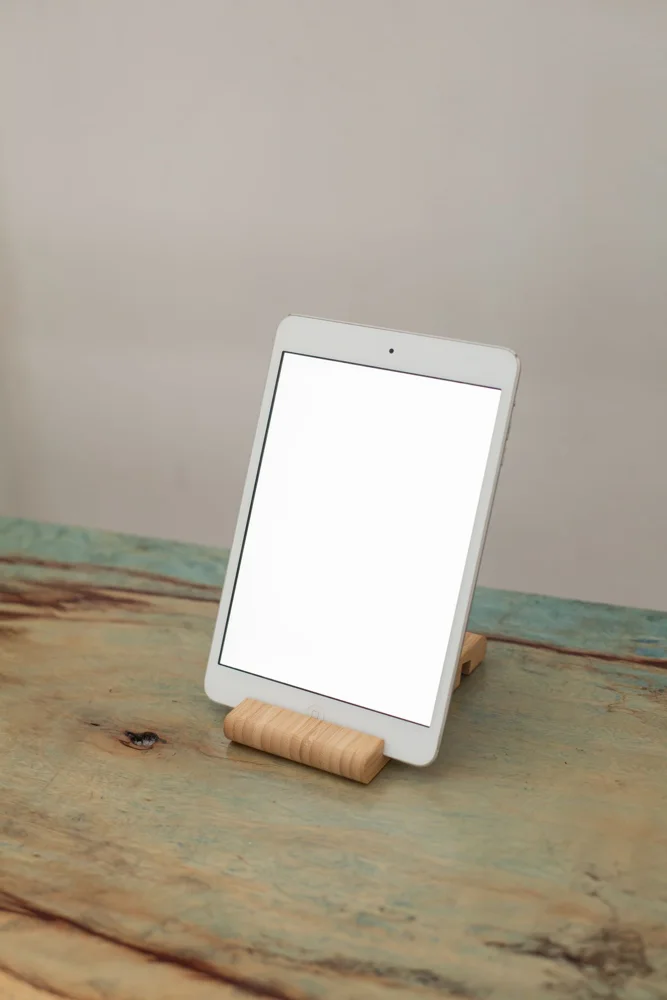
A tablet stand has to support a larger screen and often a heavier case than a phone stand. Reading, video calls and touch interaction place different demands on the base and ledge. Begin with the tablet in its normal cover and decide where the stand will be used. A compact support on a desk may suit occasional reading, while an adjustable arm introduces mounting and clearance requirements. Choose around a defined position and task rather than assuming the most articulated design is the most versatile purchase.
Check the complete cased tablet
Measure width, thickness and weight with any cover or keyboard attachment you expect to leave fitted. Compare those figures with the stand's stated limits and support geometry. Check where the ledge meets the device and whether it presses on buttons or blocks a charging port. Portrait and landscape use can require different support positions. A screen-size range alone does not establish fit, particularly when a thick case or raised rear camera section changes how the tablet rests.
Choose the viewing position
Set out the reading or call position before deciding on height. A low desk support can work for a glance at a document, while a longer session may call for a different angle. Check whether adjustment is intended while the device is mounted and how it is secured. For calls, consider the tablet's camera location in the chosen orientation. A stand that holds the screen well but places the camera behind a ledge or at an awkward angle may not suit the main task.
Assess touch stability and mounting
If you will tap or write on the screen, check whether the stand is intended for that use rather than only passive viewing. A light base can shift during interaction, while a large base occupies more workspace. Clamp-mounted arms need a compatible surface, sufficient clearance and correct installation. Follow the mounting instructions and device load limits. Do not use improvised padding or an unsupported attachment to make a clamp fit a desk edge the maker does not approve.
Plan cables and ordinary storage
Measure the charging cable route with the tablet at its working height and orientation. Leave room for a suitable connector bend without pulling against the stand. For a folding model, check folded dimensions and whether projecting ledges will catch other items in a bag. If the stand stays in a shared room, choose a footprint that leaves space for normal activities. A simple stand may be easier to move and clean than a permanent arm when reading or calls happen only occasionally.
THE USEFUL TAKEAWAY
A tablet stand should fit the complete device and the task performed on it. Check support points, camera position and touch stability before paying for extra joints. A modest stand with a suitable angle and cable route can be more convenient than a mounting system that crowds a shared surface.
Further information
Manufacturer and official references for the details discussed. Check instructions for the exact product you are considering.