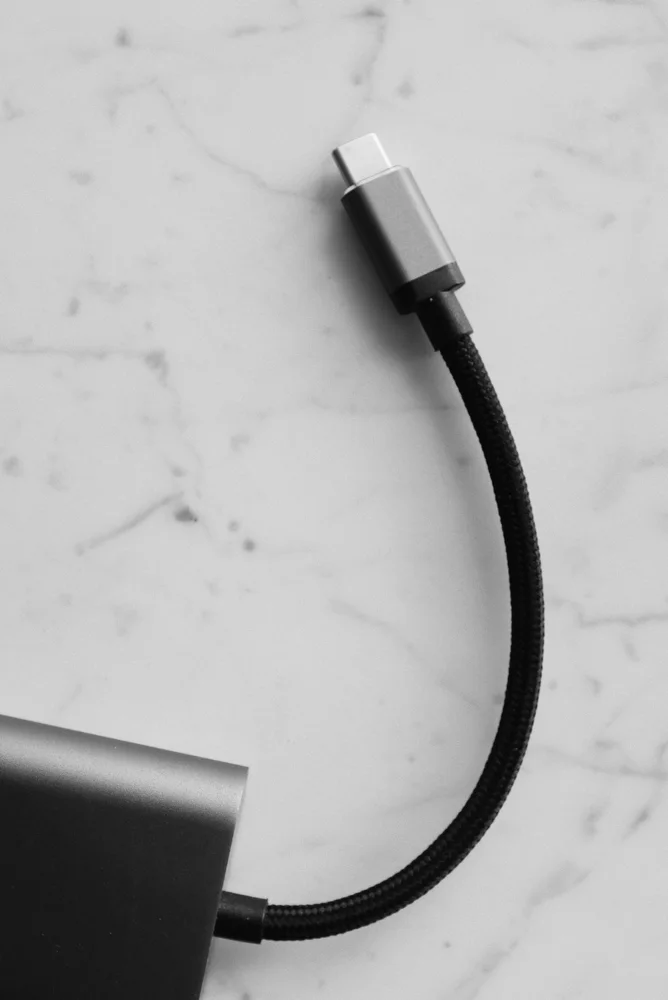
USB-C cables beyond the connector shape
USB-C describes a connector shape, but two cables with that connector can serve very different jobs.
Read the guideTHE OVERLYDEALS LIBRARY
Understand the connection before checkout. Useful accessories, compatibility and the cost of keeping devices working.
USB-C describes a connector shape, but two cables with that connector can serve very different jobs.
Read the guide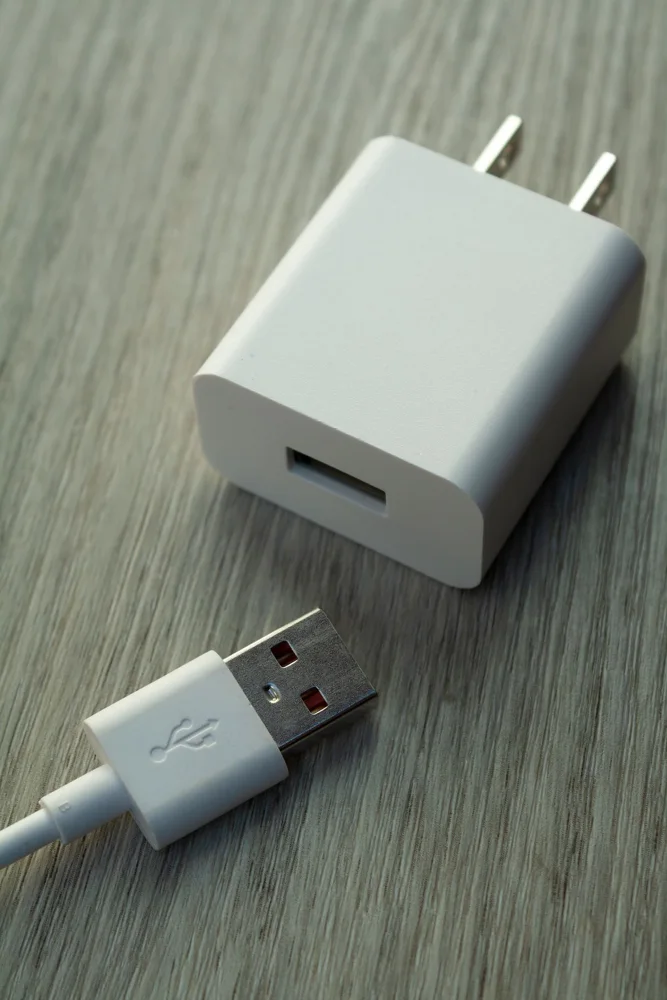
A bedside phone charger should fit your nightstand, outlet and evening routine before it wins a contest for the highest wattage.
Read the guide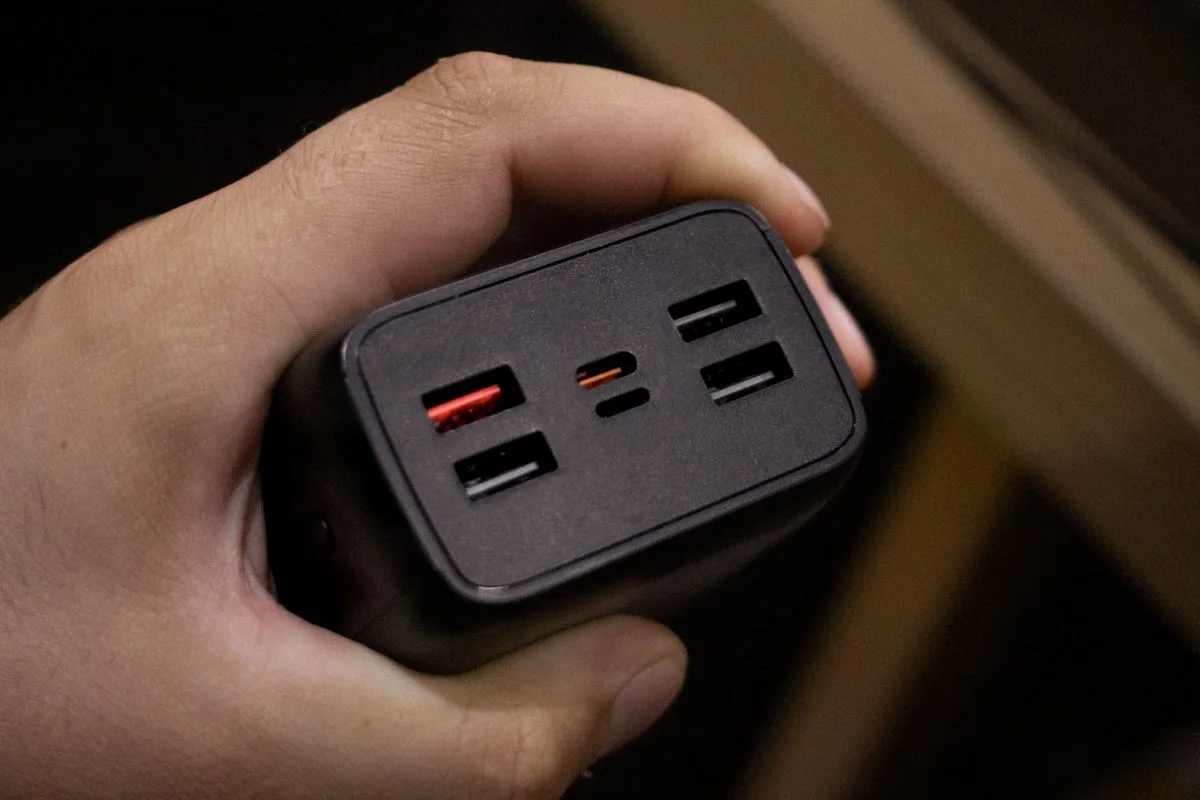
A multi-port charger promises fewer plugs, but its advertised total power does not tell you what each device receives when several ports are occupied.
Read the guide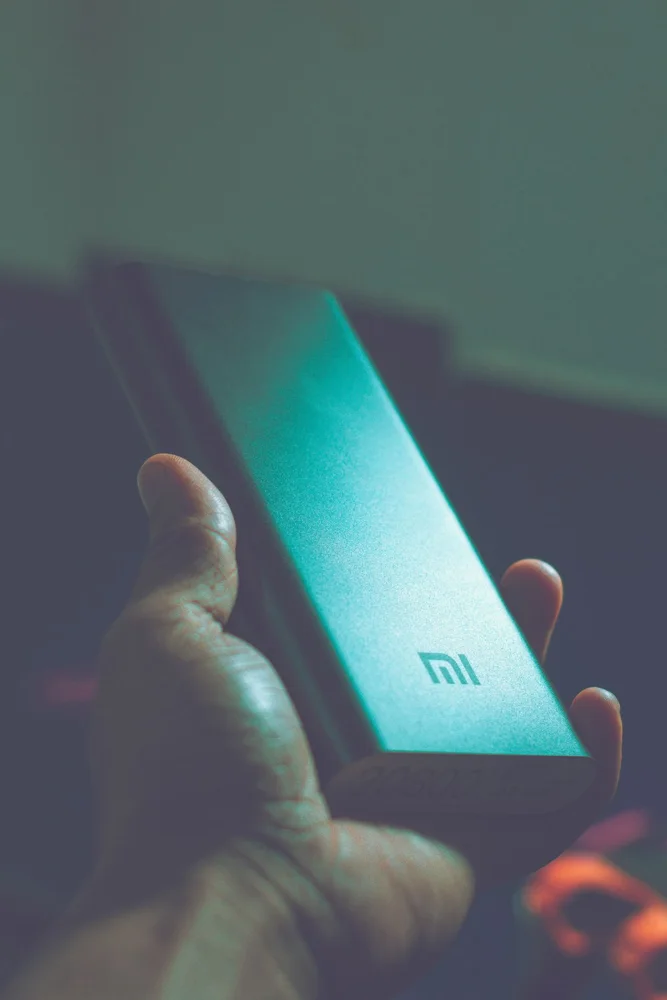
A power bank is useful only if it is charged, carried and compatible when you need it.
Read the guide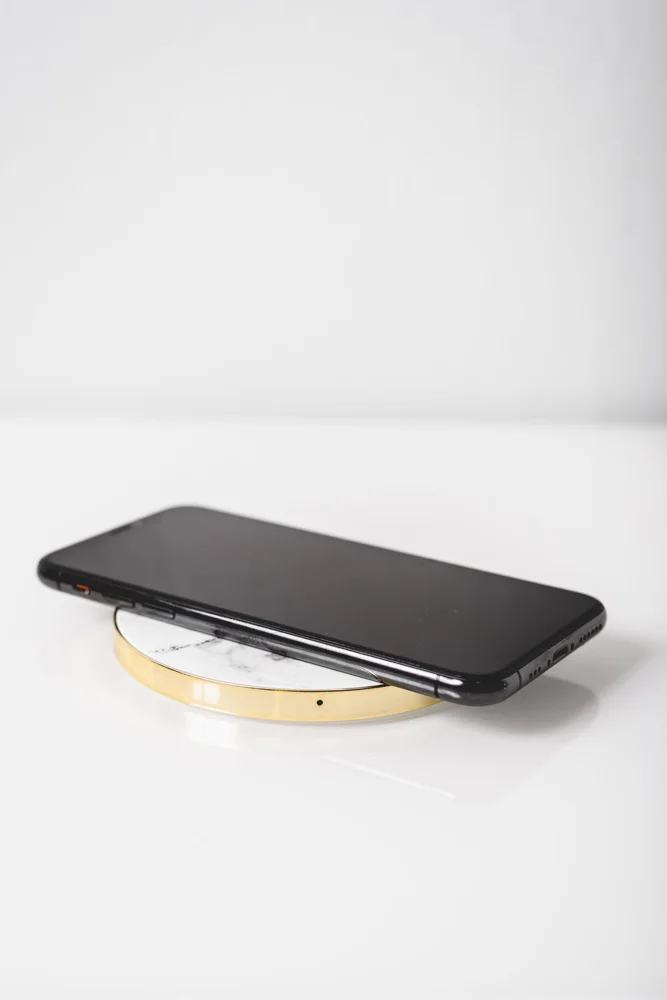
A wireless charging pad can make putting down a phone feel simple, but the full setup includes the phone, case, charging pad and power adapter.
Read the guide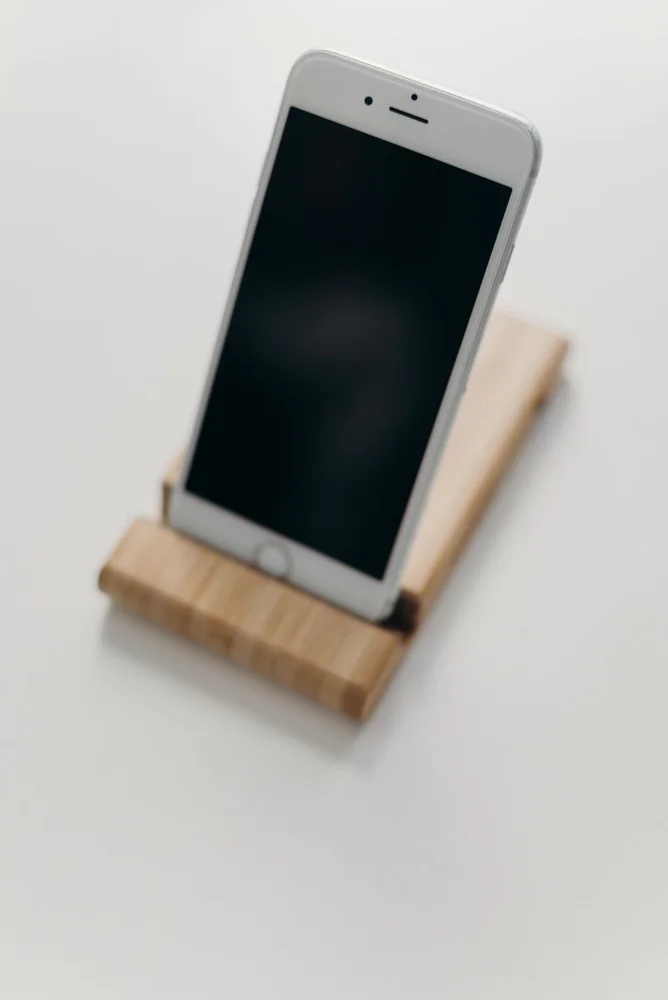
A phone stand on a kitchen counter needs to do more than hold the screen upright in a photograph.
Read the guide
A phone case should improve the way you carry and handle the device without adding features that make everyday use awkward.
Read the guide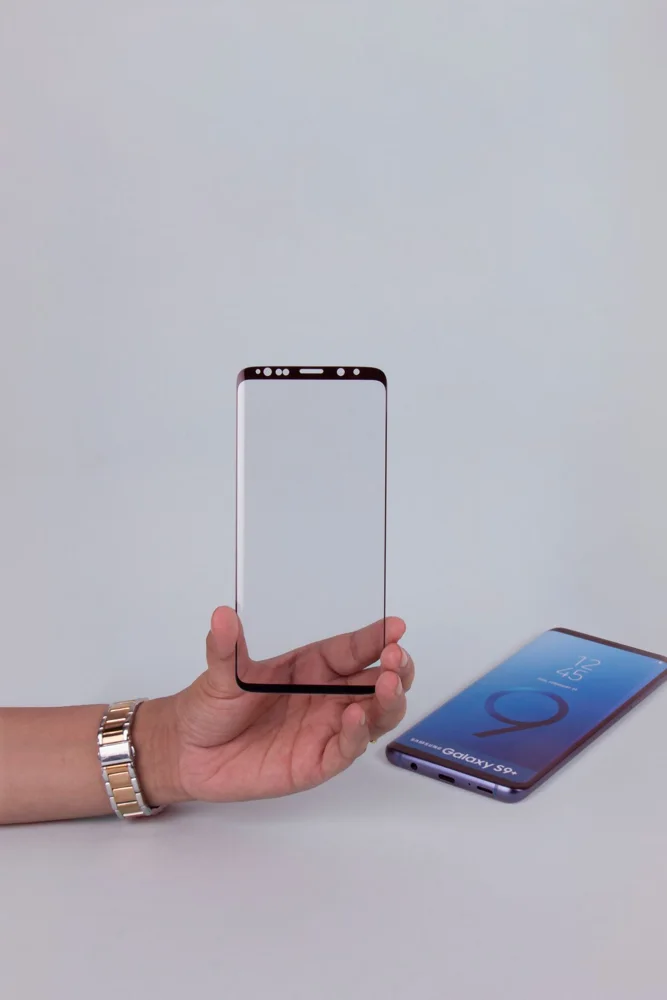
A screen protector is a small purchase with a surprisingly involved installation step.
Read the guide
A laptop sleeve should fit the physical laptop, not merely the diagonal size used to describe its screen.
Read the guide
A laptop stand can free some desk space and change screen position, but raising the laptop also raises its built-in keyboard.
Read the guide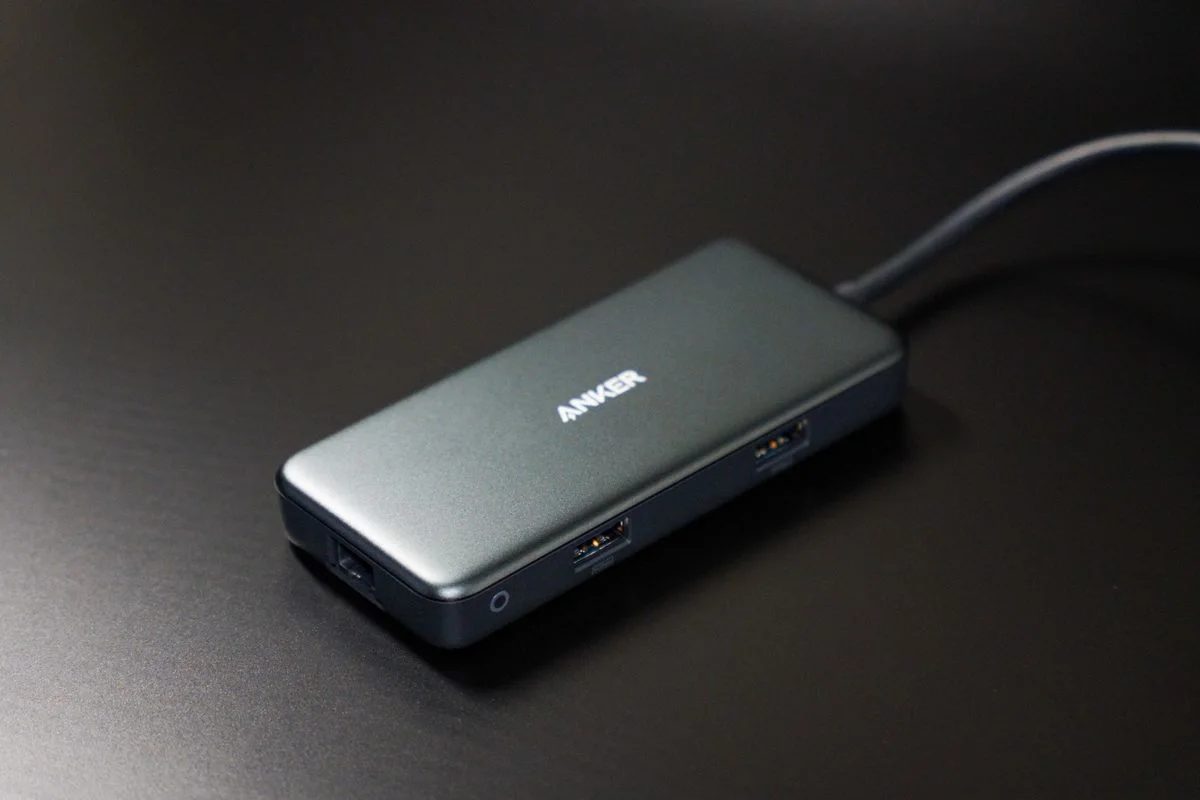
A USB hub is useful when it adds the connections you actually need without making the rest of the setup uncertain.
Read the guide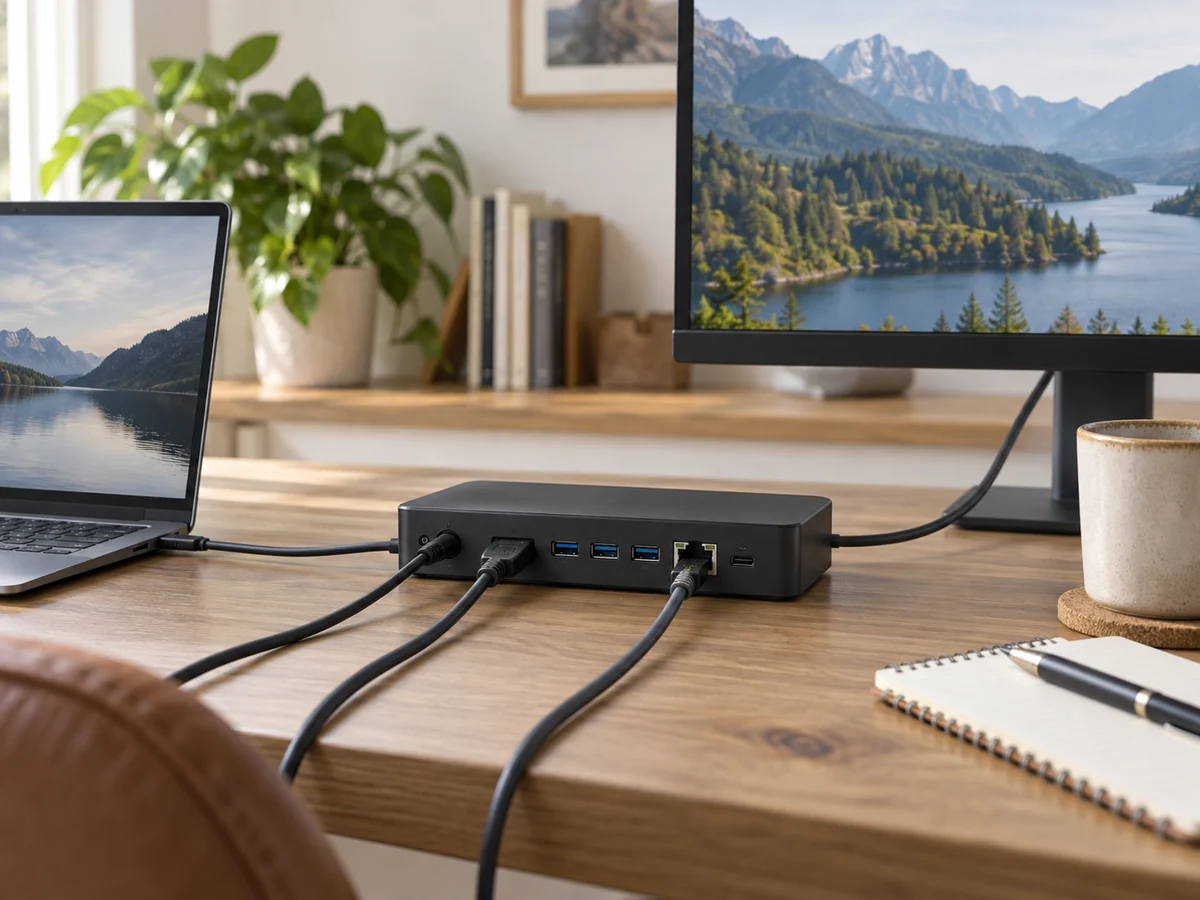
A docking station can turn a laptop into a convenient desk setup, but monitor support is a system question.
Read the guide