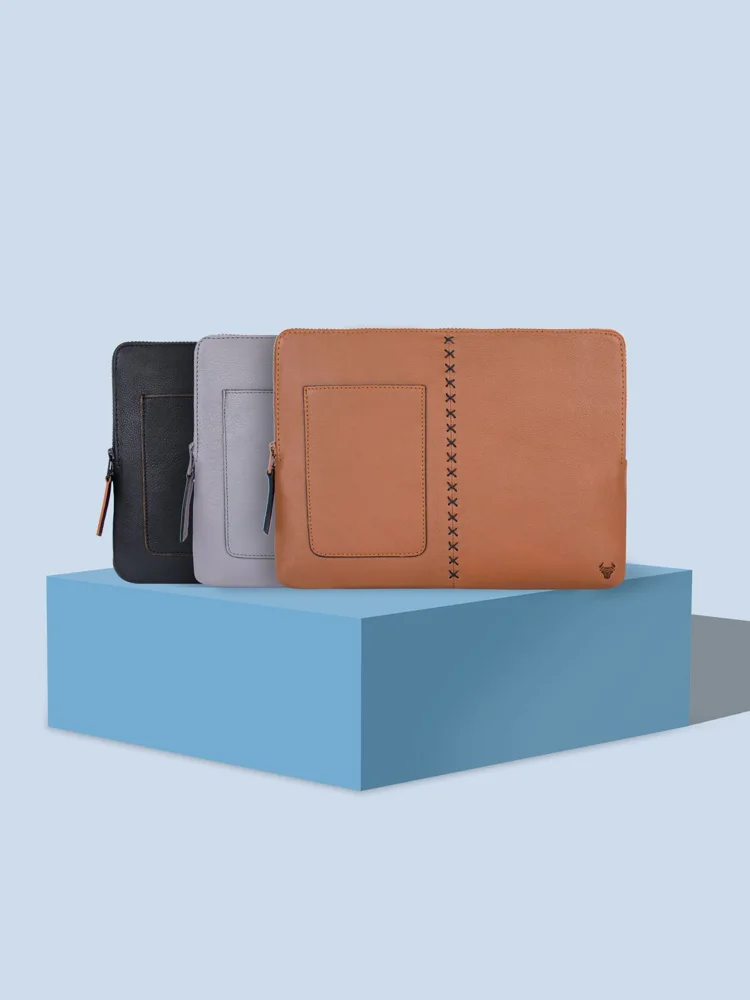
A laptop sleeve should fit the physical laptop, not merely the diagonal size used to describe its screen. Devices with similar screen sizes can have different widths, depths and thicknesses, and extra room is not always useful protection. Start with the manufacturer's dimensions for your exact machine, then measure any cover you leave attached. Think about whether the sleeve travels inside another bag or serves as the main carrier. Those uses call for different priorities in padding, handles, access and the space left for charging accessories.
Compare internal dimensions
Find the sleeve's usable internal measurements and distinguish them from its exterior size. Compare all three dimensions with the laptop, including any feet or permanent shell. A tight opening can be a problem even when the internal compartment looks large enough. Check the zipper path and corners in product photographs. If the listing only states a screen size, seek clearer dimensions or choose a product with documented fit rather than assuming the laptop will compress into the available space.
Choose padding around the journey
A sleeve placed inside a structured backpack has a different job from one carried alone between rooms. Look at the material and construction around corners and the opening, not just the thickness of the broad panels. Consider how much bag space the sleeve occupies after the laptop is inside. Treat impact or water resistance claims according to their stated conditions. A soft sleeve should not be assumed to provide the same protection as a rigid carrying case or a waterproof enclosure.
Keep accessories from pressing against the laptop
A flat pocket may be useful for documents or a short cable, but a bulky charger can create an uncomfortable lump. Check whether accessories have a separate protected space and whether that space changes the sleeve's fit in your bag. Carrying the power supply elsewhere may keep the main sleeve simpler. Decide whether you need a handle or strap, then inspect its attachment and stated use. A minimal sleeve may be the better choice when it always remains inside another bag.
Inspect access and cleaning
Think about how you remove the laptop at a desk or checkpoint and whether the zipper opening supports that motion. Check for a lining or zipper cover intended to keep hard parts away from the device. Read the sleeve's cleaning and drying instructions before choosing a pale or textured finish. Avoid operating the laptop inside a closed sleeve unless its maker expressly permits that arrangement. Keep device ventilation and operating instructions separate from a product's storage claims.
THE USEFUL TAKEAWAY
Buy a sleeve around the laptop's actual dimensions and the journey it makes. Useful padding, easy access and sensible accessory placement matter more than a screen-size label. A well fitted sleeve inside a suitable bag can offer a simpler daily arrangement than an oversized carrier filled with loosely packed extras.
Further information
Manufacturer and official references for the details discussed. Check instructions for the exact product you are considering.