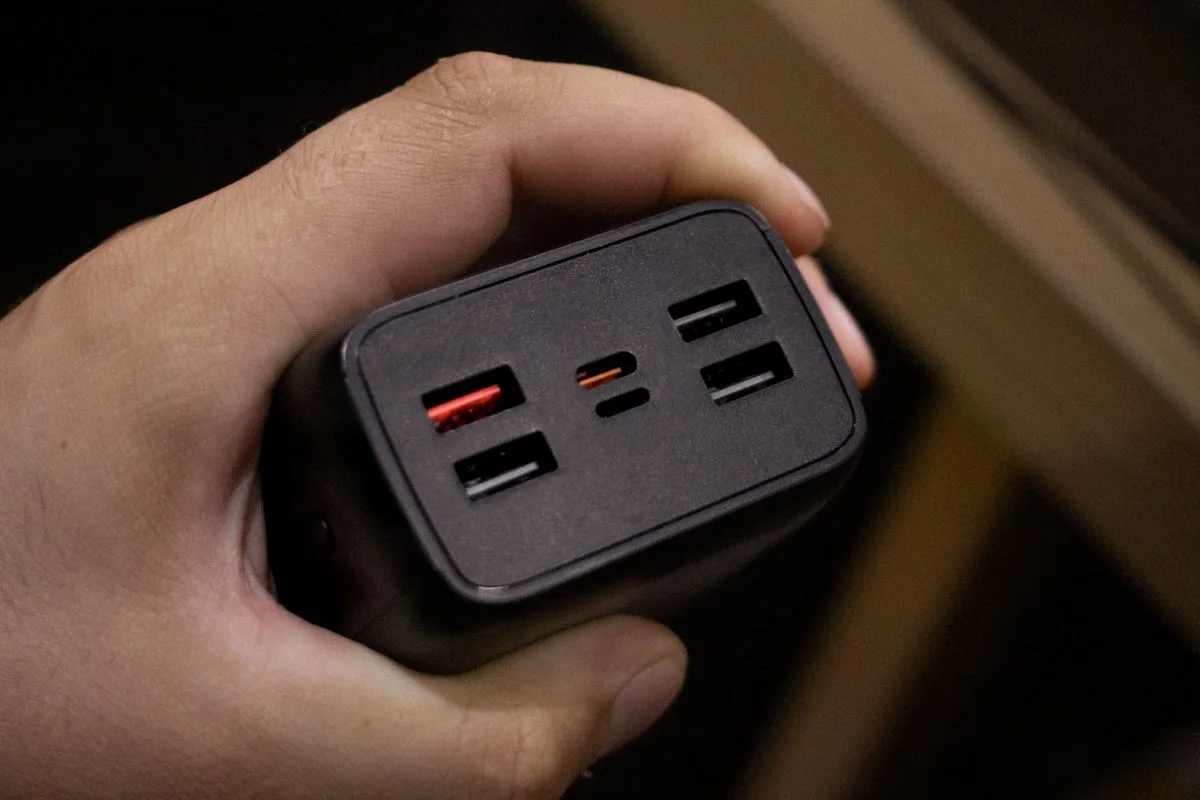
A multi-port charger promises fewer plugs, but its advertised total power does not tell you what each device receives when several ports are occupied. The useful specification is the output arrangement for your actual combination of devices. Begin with the laptop, phone and accessories you expect to charge together. Then read the manufacturer's distribution table for that exact charger. A smaller clearly documented model can be a better buy than a high-output unit whose port combinations do not suit your normal working or overnight setup.
List simultaneous devices
Write down the devices that genuinely charge together, along with their official adapter requirements. Separate essential charging needs from occasional convenience. A laptop used while charging can present a different demand from a phone left overnight. Identify which connector each device uses and whether your existing cables support the intended use. This list gives you a concrete scenario to compare with the charger documentation instead of assuming that every available port must be filled to justify the purchase.
Read the combination table
Look for the output shown with one, two and all intended ports in use. Anker publishes model-specific distribution information, illustrating why the exact product matters. A port's maximum individual figure may change when another device is connected. Check whether certain ports must be used for the desired combination and whether output behavior is described clearly. Do not divide the headline total evenly by the port count unless the manufacturer explicitly specifies that arrangement for the relevant model.
Check cables and physical spacing
An adequately rated charger still needs suitable cables and supported charging methods at each device. Compare the requirements as a complete chain. Then look at port spacing, especially if your cable plugs have wide housings or angled ends. A crowded arrangement can make everyday plugging inconvenient. Measure the charger with cables attached rather than considering the bare box alone. For a desktop unit, also include its mains lead and the place where unused charging cables will rest.
Consider how the setup changes
Think about what happens when one device is unplugged or an occasional accessory is added. Read the documentation for any stated redistribution or interruption behavior and decide whether it suits the equipment involved. A charger intended for battery devices should not be assumed to provide uninterrupted power for other equipment. Keep the port plan simple enough to remember. If each user needs a different room or charging time, separate existing chargers may still be the more practical arrangement.
THE USEFUL TAKEAWAY
Choose shared charging by the output combination you need, not the largest total printed on the box. Verify the model's table, cables and physical layout together. A multi-port charger earns its cost when it simplifies your real routine while meeting the documented requirements of every connected device.
Further information
Manufacturer and official references for the details discussed. Check instructions for the exact product you are considering.