Cable organizers are useful when they make a desk easier to change as well as easier to look at. A permanently tidy-looking bundle can become frustrating when one charger needs replacing or a laptop leaves the desk every day. Begin by separating cables that remain installed from those you disconnect frequently. Then choose a small number of clips, ties or trays for specific routes. An adaptable arrangement can provide more value than a large kit of adhesive accessories placed before you understand how the equipment moves.
Map fixed and moving connections
List the power, display and peripheral cables, noting which belong to portable devices. Trace each route from socket to device and include the movement of a chair, standing desk or adjustable monitor. Check equipment instructions for cable clearance and ventilation. A cable that looks neatly stretched in one position may pull when the desk or screen moves. Leave an appropriate service loop where needed rather than securing every section tightly for the sake of a straight line.
Choose reversible fastening where useful
Reusable ties can suit a changing bundle, while individual clips can keep frequently used plugs accessible. Compare the opening size with the cable and connector housing. A clip designed to hold a thin lead may not accept a thicker cable without pressure. Read adhesive installation and surface-compatibility instructions before attaching anything to a desk. A removable product claim still has conditions, so avoid assuming it cannot mark a delicate finish or that it can be relocated indefinitely without a new adhesive pad.
Keep equipment accessible
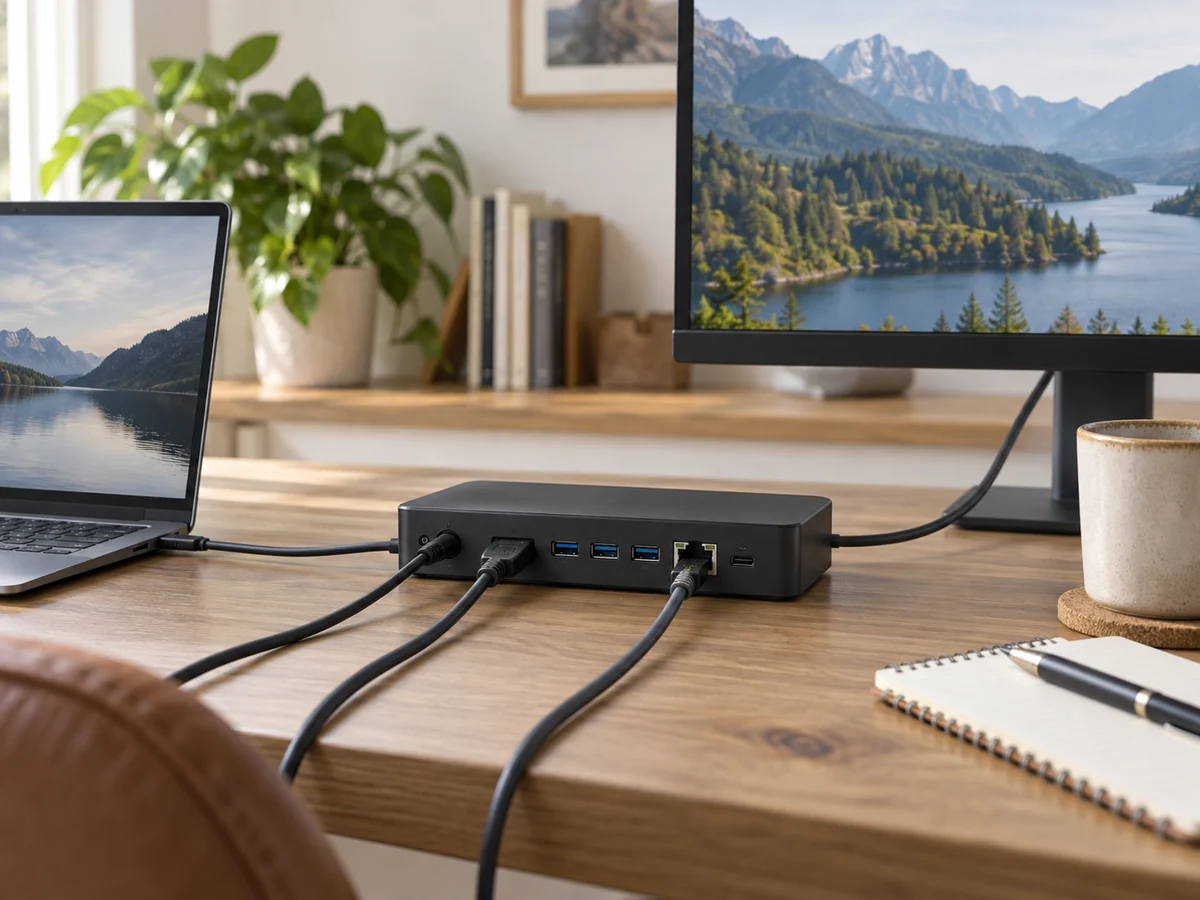
Do not bury a hub, power adapter or switch beneath a dense bundle merely to hide it. Follow its operating and ventilation guidance. Label plugs or cable ends where that helps identify equipment without unplugging everything. Choose a tray or sleeve that opens enough to replace one item easily. Keep household mains power arrangements within the products' ratings and instructions, and do not treat a cable organizer as electrical protection or a reason to combine unsuitable power accessories.
Install a small section first
Start with the most frustrating route, such as a charging lead that falls behind the desk. Use the proposed solution for a few normal workdays before attaching the rest of a kit. Check whether you can still move the laptop, open drawers and clean the desk. Buy extra clips only where the trial reveals a specific need. A simple system with a few clearly placed fasteners is easier to adjust when the next computer, monitor or charger changes the layout.
THE USEFUL TAKEAWAY
Choose cable organizers for an arrangement you can maintain and change. Map movement first, use suitable reversible fasteners where useful and keep equipment accessible. A few well placed clips or ties can solve more daily frustration than an extensive hidden bundle that must be dismantled whenever one component changes.
Further information
Manufacturer and official references for the details discussed. Check instructions for the exact product you are considering.