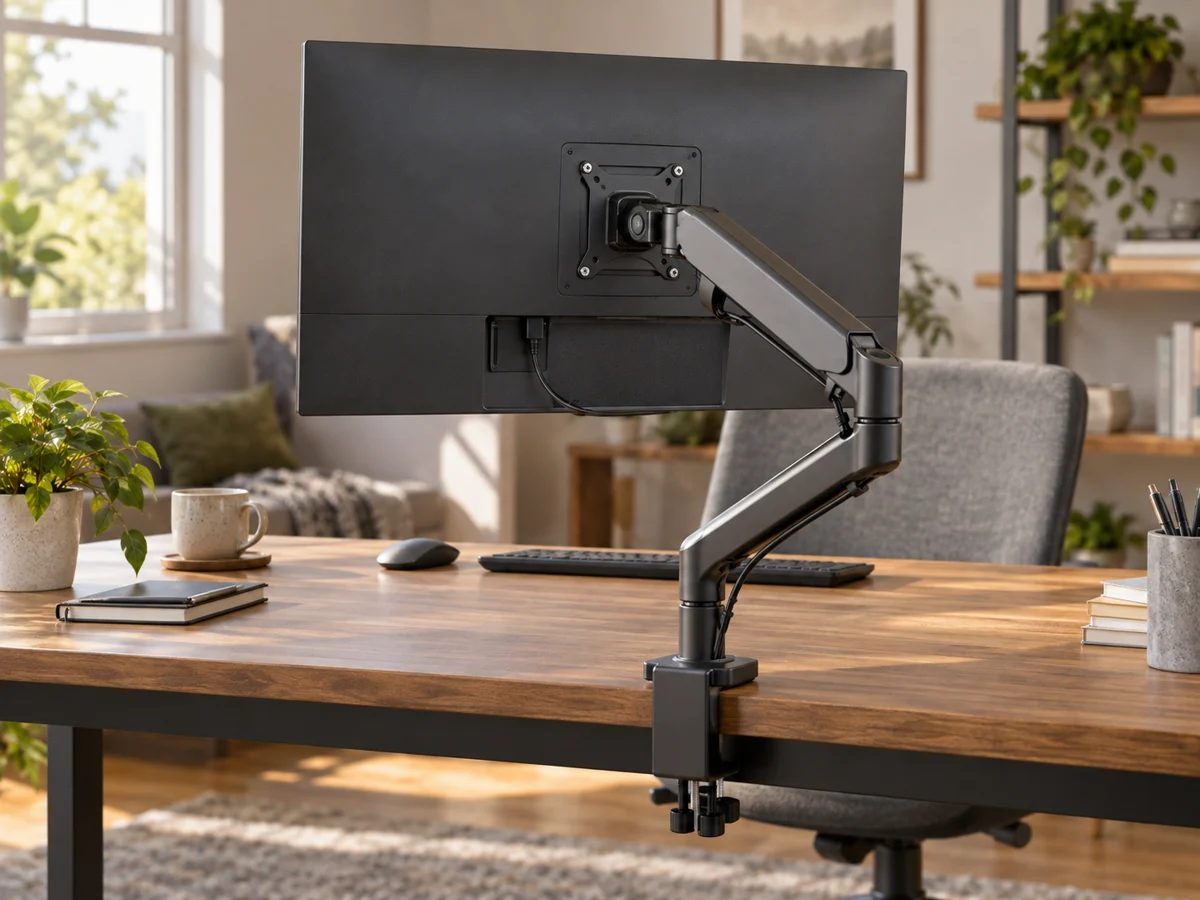
A monitor arm connects two expensive objects: the display and the desk. Compatibility therefore includes the monitor's mounting interface and weight, the arm's supported range and the desk's construction. Screen diagonal alone cannot answer those questions. Begin with the exact monitor and desk models, then check their instructions before choosing a clamp or grommet mount. An arm can free useful surface space, but it is a poor purchase if the mounting point is unsuitable or the available movement does not improve your working position.
Verify the monitor interface and weight
Find the mounting pattern, required hardware and monitor weight without its stand as specified by the manufacturer. Compare all of those with the arm's documentation. Some arms have both minimum and maximum load requirements, so check the full supported range. Recessed mounting areas or unusual rear shapes may need an approved adapter. Ergotron's product information also notes that display depth can affect compatibility, illustrating why weight and diagonal size should not be the only figures in the comparison.
Check the desk construction
Read the desk maker's mounting guidance and measure the edge where the clamp would sit. Include underside rails, bevels, cable channels and clearance for tightening hardware. A clamp's thickness range is only one requirement; the surface must also be suitable for the installation. Do not assume a hollow, glass or unusual top can support a clamp because its thickness fits. For a grommet mount, check the permitted hole and installation requirements before modifying a desk or choosing a location.
Map the useful movement
Measure how far the screen needs to rise, move back or turn, and compare those needs with the arm's range. Check the space behind the desk, especially if it sits against a wall. An articulated arm may need room for its joints even when you want the display close to the rear edge. Include cable lengths throughout the movement. A monitor that fits the load specification can still be awkward if the arm cannot reach the position you need without crowding the desk.
Plan installation and future changes
Read the full assembly process and any lifting or assistance instructions before starting. Use the specified hardware and do not substitute screw lengths by guesswork. Keep the original monitor stand if you may move the display later. Save the arm model and supported range for a future monitor purchase. If a shared desk needs frequent adjustment, look at how tension and movement are controlled. A simpler mount may be adequate when the screen stays in one fixed position.
THE USEFUL TAKEAWAY
Buy a monitor arm only after checking the display, arm and desk together. Load range, mounting geometry and a suitable surface matter more than a screen-size label. Map the movement you actually need and follow the installation instructions so the arm adds useful space and adjustment to the workstation.
Further information
Manufacturer and official references for the details discussed. Check instructions for the exact product you are considering.