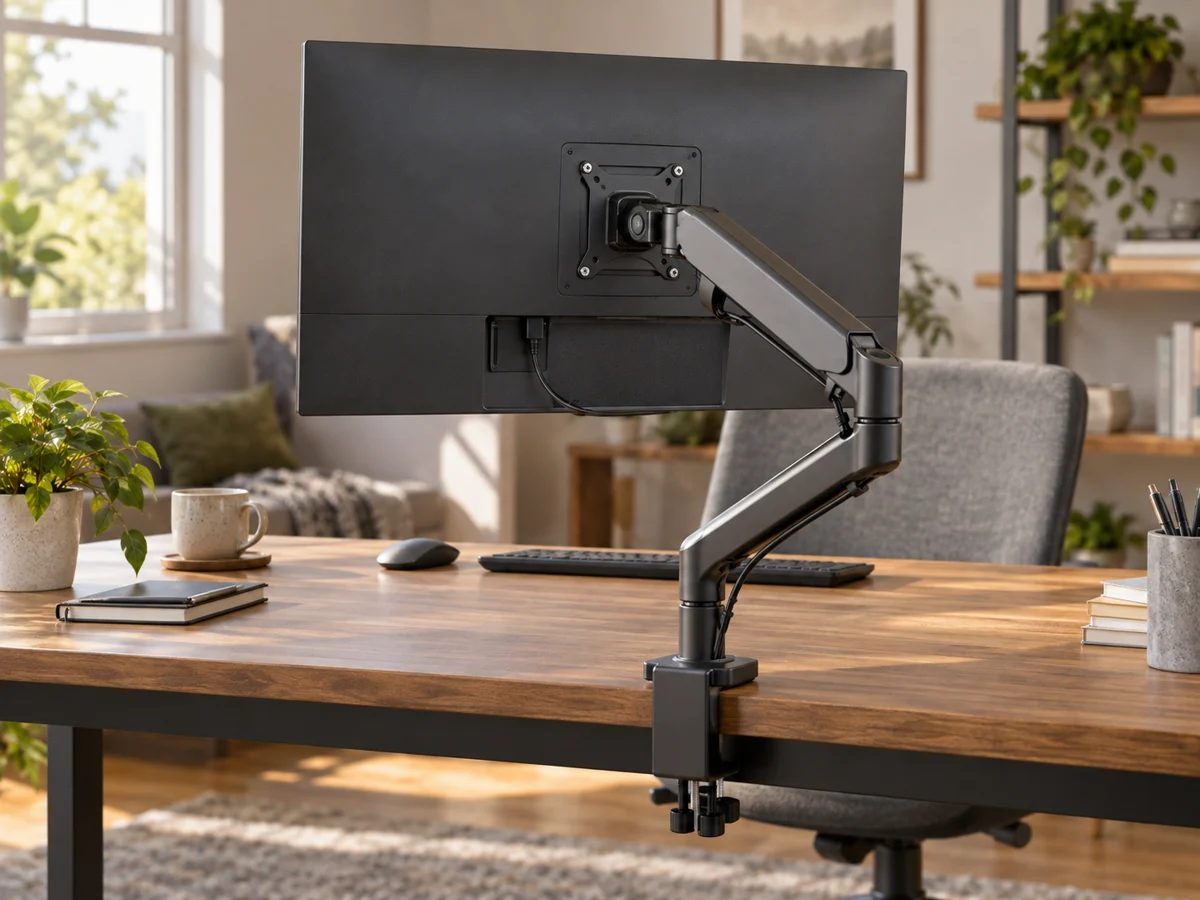
A desk mat can organize a work surface, provide a consistent mouse area and change the feel beneath your hands. It can also cover useful space, catch on a clamp or make a shallow desk feel smaller. Begin with the keyboard, mouse movement and the objects that need a stable place on the desk. Then measure the area the mat should cover. A modest mat chosen for a specific working zone may be more useful than an oversized one bought to match a photograph of a much larger workstation.
Mark the usable area first
Measure the desk depth after accounting for the monitor base, lamp and any raised edge. Add the keyboard footprint and the space you use for moving the mouse. Mark a proposed mat with paper or a removable guide before ordering. Check whether it would extend beneath a monitor arm clamp, docking station or other item with installation requirements. A mat should not be inserted into a mounting arrangement unless that arrangement's instructions allow the material and thickness.
Choose a surface for the tasks
Consider whether you mainly type, write on paper or use a mouse. A soft padded surface can feel different from a firm smooth one, and handwriting may need a separate support. Check your mouse maker's surface guidance if tracking is a concern. Do not assume a decorative mat has the same performance as a specialized mouse pad. A small existing pad may already solve the pointing task, leaving little reason to buy a large mat unless it improves the rest of the desk.
Read material and care details
Compare the upper surface, backing and edge finish. Look for care instructions suited to the spills or marks likely in your workspace. A material described as wipeable may still have limits on cleaners or prolonged moisture. Check compatibility with the desk finish rather than assuming any non-slip backing is harmless on every surface. Stitched edges can look tidy but may be noticeable beneath a wrist or make a mat harder to clean around. Choose based on where your hands actually rest.
Consider movement and replacement
If the desk also serves as a dining table or craft surface, check how the mat rolls or stores according to the maker. A large rigid or heavily curled mat may be awkward to move each day. Think about whether a replaceable small mouse area would be more practical than replacing an entire mat when one section wears. Keep the setup simple enough to remove for cleaning the desk underneath. Useful organization should not depend on covering every visible inch of the surface.
THE USEFUL TAKEAWAY
A desk mat should fit a defined working area and the tasks performed there. Measure around existing equipment, check material care and consider how it moves for cleaning or shared use. Bigger is worthwhile only when the extra area serves a purpose without interfering with mounts, desk depth or comfortable hand placement.
Further information
Manufacturer and official references for the details discussed. Check instructions for the exact product you are considering.