A keyboard in a shared workspace affects the person typing and everyone nearby. Noise, footprint and the ease of switching users can matter more than decorative lighting or an extensive shortcut list. Begin with the computers involved, the layout your hands expect and the amount of desk space available. A compact keyboard is not automatically the right choice if it removes keys used throughout the day. The aim is a comfortable, clearly supported tool that fits the shared routine without creating new compromises in typing or connection.
Keep the keys you actually use
List the work that drives your layout choice: frequent numbers, navigation shortcuts, coding symbols or document editing. Compare the physical arrangement and language variant, not just the total key count. A compact layout may move familiar keys behind combinations. That can be acceptable for occasional use but frustrating when several people share the keyboard. Check operating-system support for special keys and any configuration software. A full-size keyboard can still be sensible if the numeric keypad earns its desk space.
Assess sound in context
Switch descriptions and quiet labels are useful starting points, but sound also depends on the case, desk and typing style. If possible, try the keyboard or listen to a demonstration that explains its conditions. Kensington describes some scissor-style designs as quieter than standard keyboards, but that comparison does not establish a universal sound level. Consider the nearby microphone during calls as well as people in the room. A desk mat may change the feel or sound without solving every typing-noise problem.
Check connection and user switching
Wired operation avoids battery management but adds a cable route. Wireless models need compatible Bluetooth or the correct receiver system. If multiple-device switching matters, read exactly how many devices are supported and how switching works. Check workplace restrictions on pairing and software. Do not assume a receiver from another keyboard will work merely because it has the same USB shape. Clear labels and a simple switching method can be more helpful in a shared room than numerous programmable profiles.
Plan cleaning and everyday storage
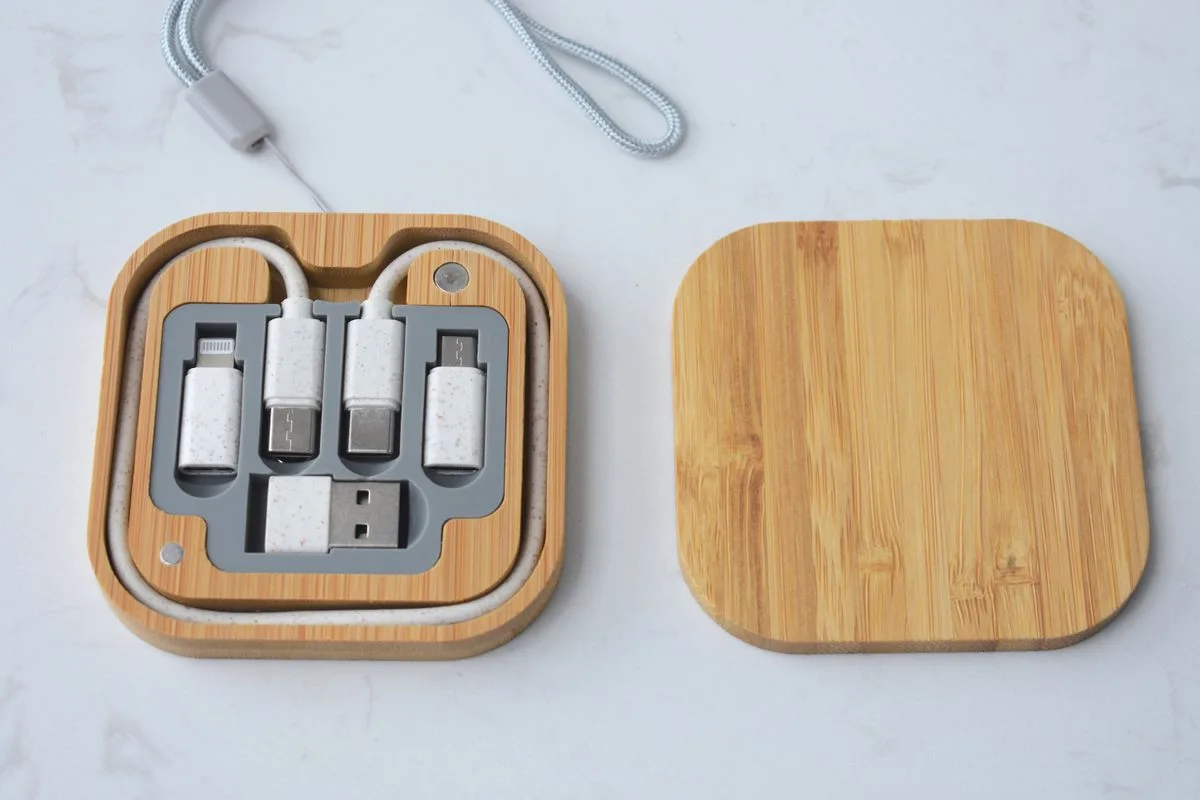
Read the maker's cleaning instructions before choosing a design with deep gaps, removable keys or fabric components. A compact keyboard that is regularly moved off a dining table needs a practical storage spot that protects the keys. Compare battery type or charging requirements and keep the appropriate cable accessible. If a wrist rest is supplied, assess its dimensions separately rather than assuming it fits every user's position. Buy extra accessories only after the basic keyboard layout proves suitable for the shared work.
THE USEFUL TAKEAWAY
Choose a shared-workspace keyboard around familiar layout, manageable sound and clear connection support. Save space only where it does not remove frequently used keys or create awkward shortcuts. A straightforward keyboard that several people can use and maintain comfortably is a better purchase than a feature list that complicates the shared routine.
Further information
Manufacturer and official references for the details discussed. Check instructions for the exact product you are considering.